🥷 Ninja Platform Game
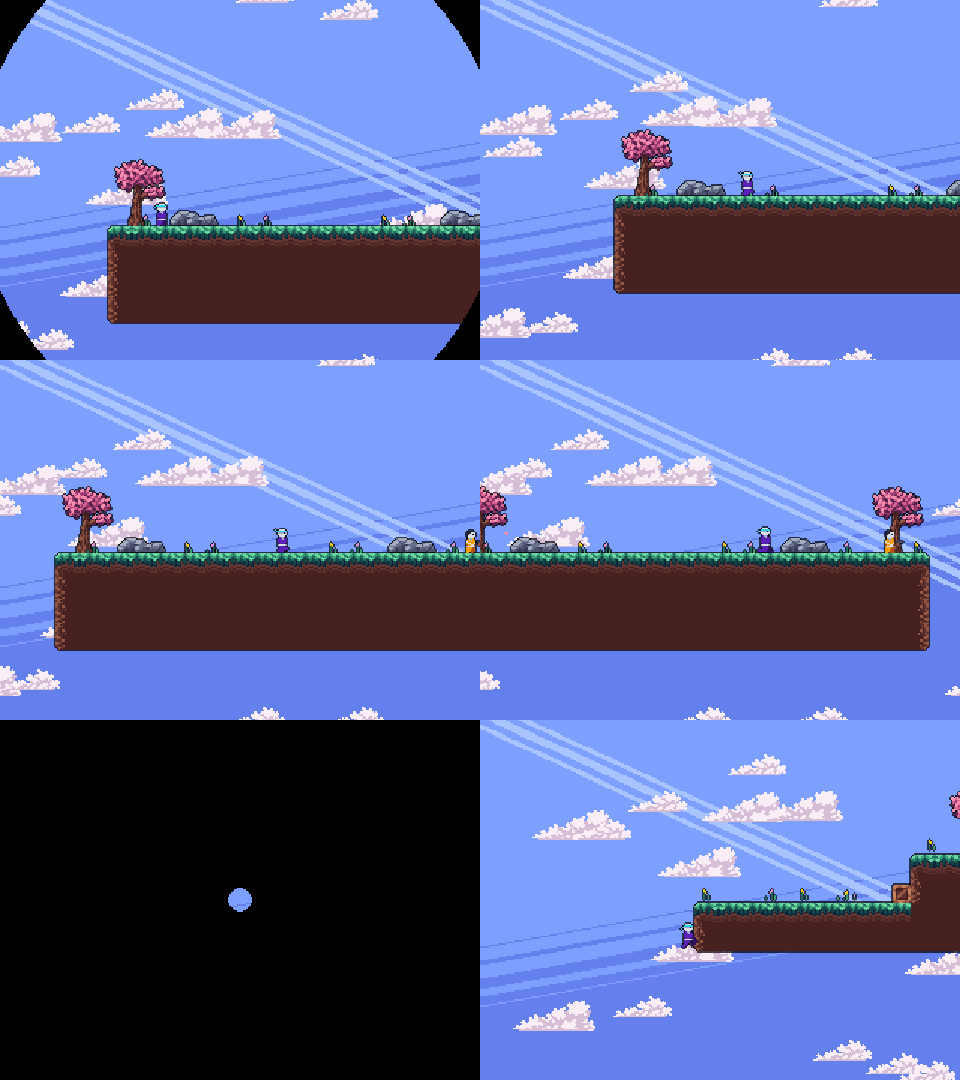
A pixel-art 2D platformer built with Python and Pygame. Run, wall-jump and dash through six hand-built levels, taking out every gun-wielding enemy to reach the next stage.
✨ Features
- Six levels loaded from JSON tile maps, with a circular transition between stages and a finish screen at the end
- Fluid movement: running, jumping, wall sliding, wall jumps and a dash that also works as your attack
- Enemies that fight back: they patrol their platforms and shoot when you are on the same height
- Game feel: screen shake, spark and particle effects, falling cherry blossom petals, parallax clouds and sprite outlines
- Sound: background music, ambience and sound effects for jumping, dashing, shooting and hits
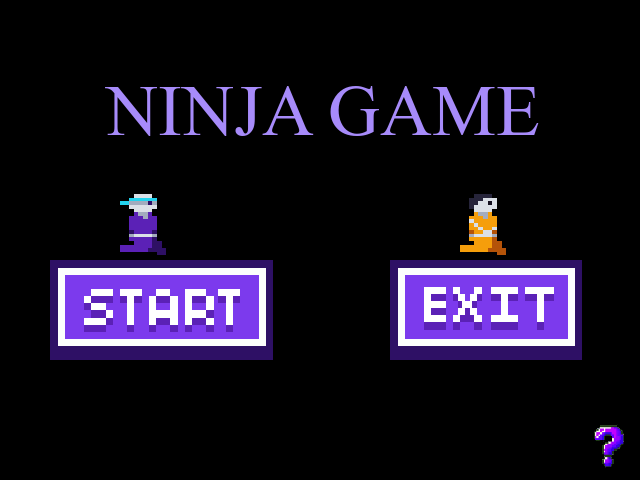
- Main menu, tutorial and pause screens
- Built-in level editor (
editor.py) with auto-tiling, on/off-grid placement and JSON save
🎮 Controls
| Key | Action |
|---|---|
← → | Move |
↑ | Jump (press against a wall to wall-jump) |
X | Dash, which defeats any enemy you hit |
P | Pause / resume |
Esc | Close the tutorial screen |
Clear every enemy on a level to advance. Getting shot or falling for too long restarts the current level.
🚀 Getting Started
Requirements: Python 3.8+ and Pygame 2.
git clone https://github.com/ibrahimyankac/Ninja-Platform-Game.git
cd Ninja-Platform-Game
pip install pygame
cd ninja_game
python game.py
Run the game from inside the
ninja_gamefolder. Assets are loaded with relative paths such asdata/images/....
🖼️ Screenshots
 | 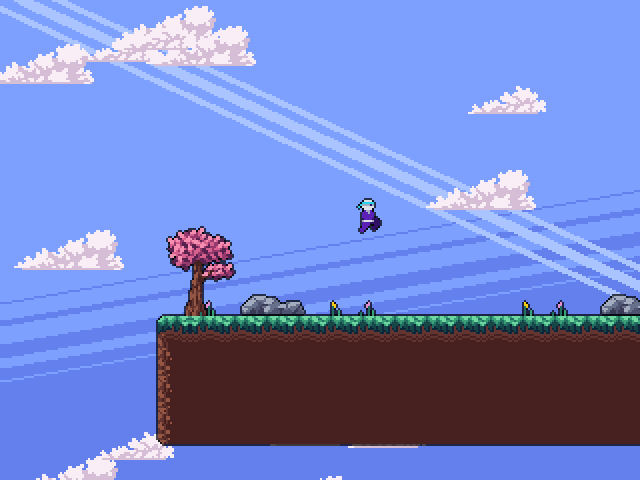 |
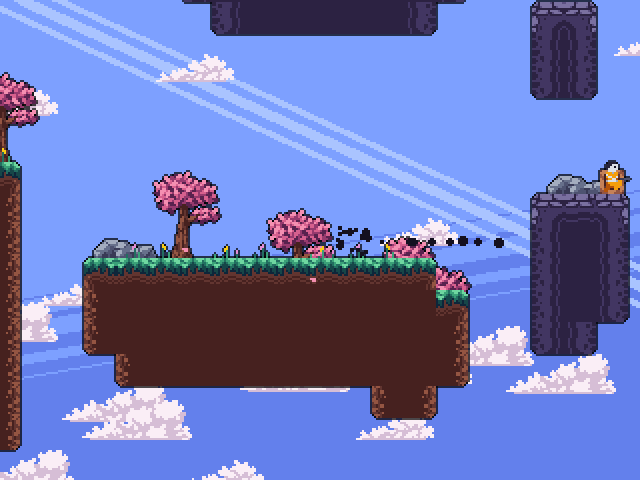 | 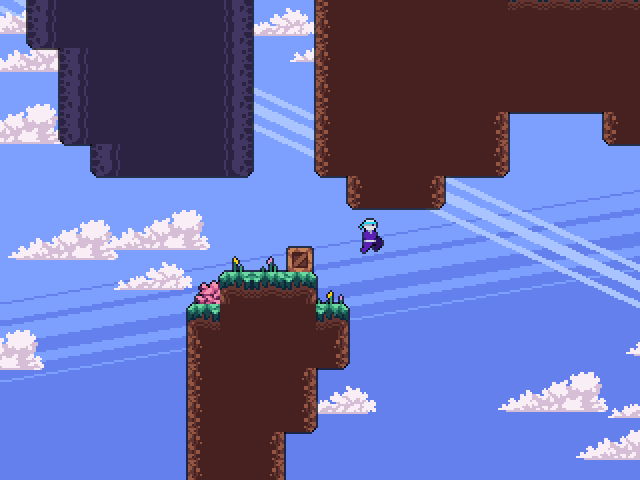 |
🛠️ Level Editor
cd ninja_game
python editor.py| Input | Action |
|---|---|
W A S D | Move the camera |
| Left click | Place a tile |
| Right click | Remove a tile |
| Mouse wheel | Change tile group |
Shift + mouse wheel | Change tile variant |
G | Toggle grid / free placement |
T | Auto-tile the map |
O | Save to map.json |
To use an edited map as a level, copy map.json into data/maps/ with the next level number (for example 6.json).
📁 Project Structure
ninja_game/
├─ game.py          # Game loop, menu, tutorial, pause and finish screens
├─ editor.py        # Tile-based level editor
├─ main_menu.py     # Reusable image button
├─ scripts/
│  ├─ entities.py   # Physics, player (jump, wall slide, dash) and enemy AI
│  ├─ tilemap.py    # Tile map loading, saving, collisions and auto-tiling
│  ├─ particle.py   # Particle animations
│  ├─ spark.py      # Spark effects
│  ├─ clouds.py     # Parallax clouds
│  └─ utils.py      # Image loading and animation helpers
└─ data/
   ├─ maps/         # Levels 0–5 as JSON
   ├─ images/       # Sprites, tiles and UI
   └─ sfx/          # Sound effects
🙏 Credits
The core engine and pixel-art assets follow DaFluffyPotato's Pygame platformer tutorial. For this version the whole game was recolored with a cherry blossom theme: the player, enemies, tiles, trees, sky and menu buttons.